
Your team turns AI into a teammate
On the build day your team builds its first tools. After that you keep building with us. On the team day your whole team talks through what AI changes in everyone's work. You book it on its own or with everything else in The whole company.
See the build day →
Most companies are stuck at level 1 and 2
AI as thinking partner
AI as assistant
AI as teammate
AI as the system
Your team learns levels 1 and 2 on its own, even when you connect AI to your email and calendar. Want receipts to land in Exact by themselves, or reports to be ready in your own layout? Then you have to build. That's levels 3 and 4, and that's where we help.

Twenty years of training data is what people call craft.
From the first tools until your team no longer needs us

The build day
One day on your own work, with you at the table. Your team builds its first tools with Claude Code and goes home with a list of what you build next.
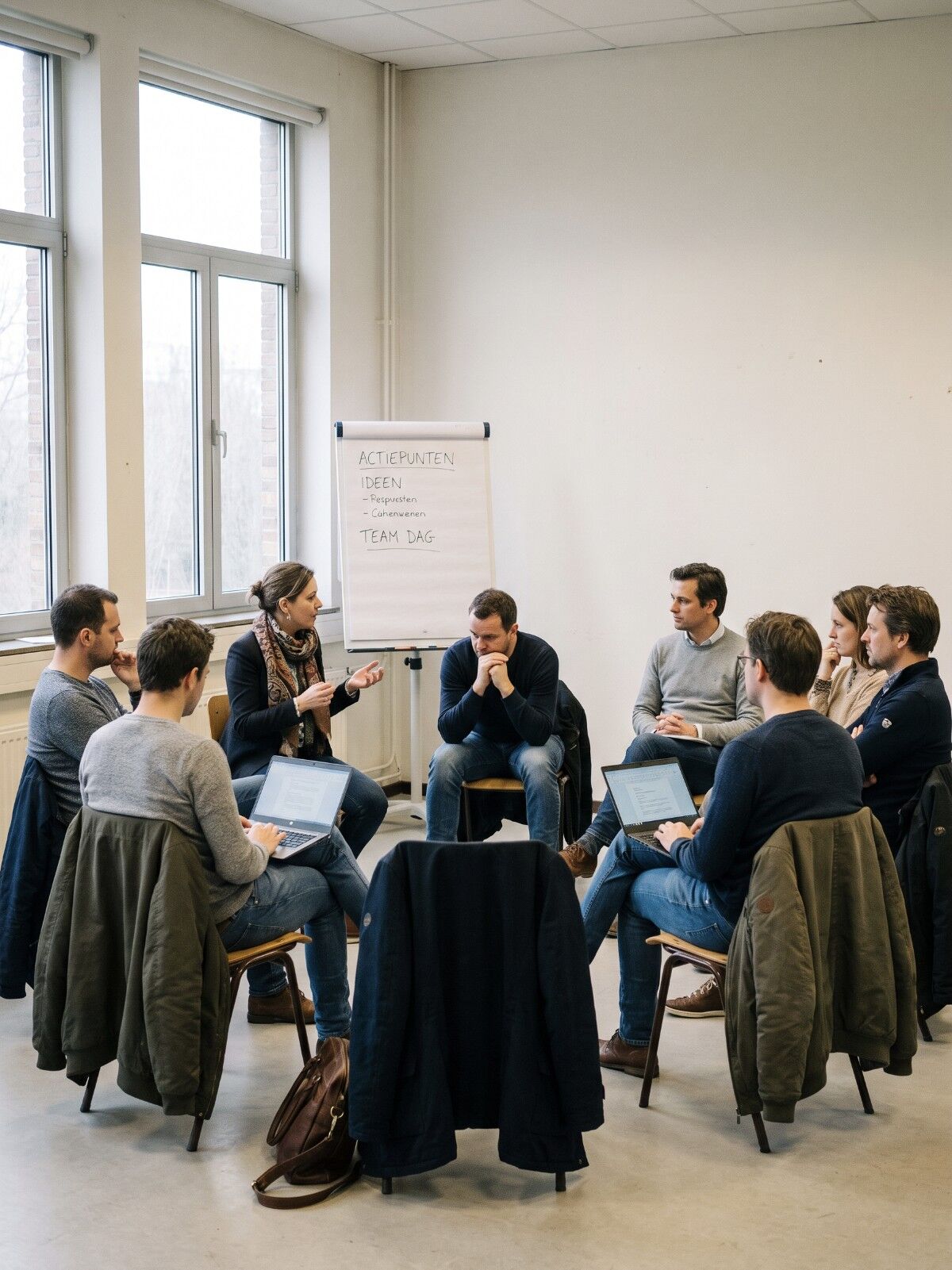
The team day
For when AI unsettles your team. Owner and team talk through who does what, what each person needs for that and what changes in your business model. You end with a quarter card on one sheet.

Return day and check-ins
After six weeks we come back for half a day to finish what was left. After that we look together every month at what is going well, where you get stuck and how you get a level higher.

Demo
At every check-in your team shows what it built since the last one.

A skill for every step
We wrote out the approach of the build day, from the first conversation to the list of what you build next. For each step you read the role, the skill and the tool. Free as a pdf, ePub or web version. Or as skills for your AI agent.
So what do you build?
Examples from our own build sessions and from entrepreneurs around us. Your list will look different, because it follows your own work. This is how we design your build day →

Email that drafts itself
An agent reads the client email, writes the reply in your voice and puts it in your drafts, quote included. You read it and send it yourself.
Your bookkeeping connected
With a connection to Moneybird, for example, an agent prepares invoices and the VAT return. It also checks your accountant's work.
A reminder for a half-finished questionnaire
Someone fills in half your questionnaire? After 24 hours they automatically get an email with the link to carry on.
Your day plan from Trello
Thirty updates from a client in Trello? An agent works through them and sets up your day plan.
Software you half use, built yourself
You pay for software and use half of it. Some teams then build their own time tracking or intranet. A company of thirty replaced its spreadsheets this way.
Ads and numbers in one conversation
You set up ads and see in the same conversation how many visitors they bring in. That works through a connection with your ad account and your website analytics.
The workflow that you showed, I was like: this is incredible.
Tell me which task your team still does by hand

Book a call with Tim
Free and online. You bring one task that takes a lot of time, and we look at whether a build day fits. You are not tied to anything afterwards.
Or plan a build day straight away: €1.500 for your team of up to 4 people, money back if the day was not worth it. Plan a build day →
Rather send a message first?
Then I will get back to you within 24 hours.