
A skill for every step
A free e-book on building your own tools that take over the boring clickwork. You get the ten steps from idea to tool and eleven skills you put straight into Claude Code, Cursor or Codex. With them your agent knows what to do at every step.

You read it once and your agent uses it for every task

From a single question to AI to an agent that does the work
Most companies get stuck at AI that answers or does a single task. With the book you build an agent with a task of its own. For example, every Monday it puts the numbers from your bookkeeping, time tracking and CRM into the weekly overview. You read it and send it on.
Eleven skills your agent uses right away
One skill with the whole method and one for each step, ready for Claude Code, Cursor or Codex. Connect the MCP server and your agent fetches the latest version itself. After that you learn to write your own skills.
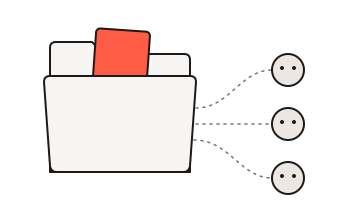
One memory for all your agents
This part is for later, once your first tools work. One folder of text files gives every agent the same memory. A dashboard shows which proposals are ready and you press approve.
At every step an agent does the work and you stay at the wheel
You build a tool in the same ten steps software has always been built in, from the first conversation to the roadmap. Only now every role in that chain is an agent with a skill.
- 1
Intake and recording
Talk to the people who do the work and record the conversation. The transcript holds the words they use themselves.
- 2
Strategy
In a strategy session you turn the transcript into one plan, with a vision board and user stories with acceptance criteria.
- 3
Plan
Ask for a plan first and keep it in its own folder with a short context file.
- 4
Design
Write the text first and then let an agent draw black and white wireframes. That way you test whether it's usable before you think about colour.
- 5
Build
Build the smallest piece that already saves time next week, first on sample data and with read-only access.
- 6
Review
A second model checks the work and writing skills take out vague language. A human decides what goes live.
- 7
Test
Let a colleague try it on real work and compare the result with a week you already did by hand.
- 8
Go live
Check the security and put the tool live on Cloudflare or bunny.net. A human presses the button.
- 9
Retro
Ask three questions in five minutes and put the three changes that come out straight into the skill or the context file.
- 10
Roadmap
Put every idea on one sheet and number three at most, because the number is the build order.
For each step the e-book tells you who does it, which skill and tool you use and what comes out. Tim van den Bosch wrote down how he builds himself and how he teaches teams, like the team at energy label consultancy PKW. That team had no software background and built 17 tools in five months.
Send me the e-book and the skillsOn a build day your whole team learns it together
On a build day your team goes through these steps on real work. At the end of the day everyone has their first own tool. No coding skills needed.
See the build dayTell me which task your team still does by hand
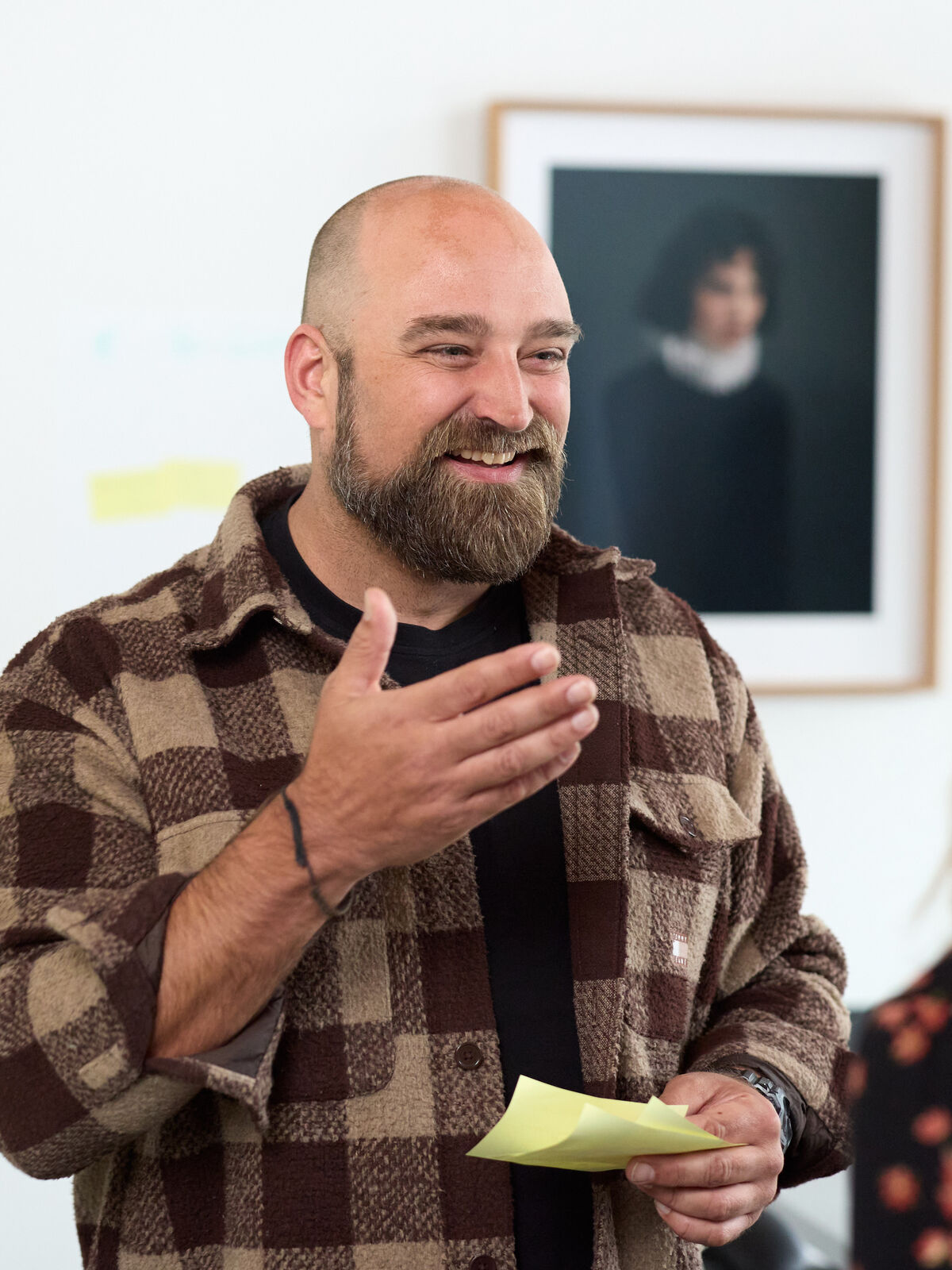
Book a call with Tim
Free and online. You bring one task that takes a lot of time, and we look at whether a build day fits. You are not tied to anything afterwards.
Or plan a build day straight away: €1.500 for your team of up to 4 people, money back if the day was not worth it. Plan a build day →
Rather send a message first?
Then I will get back to you within 24 hours.